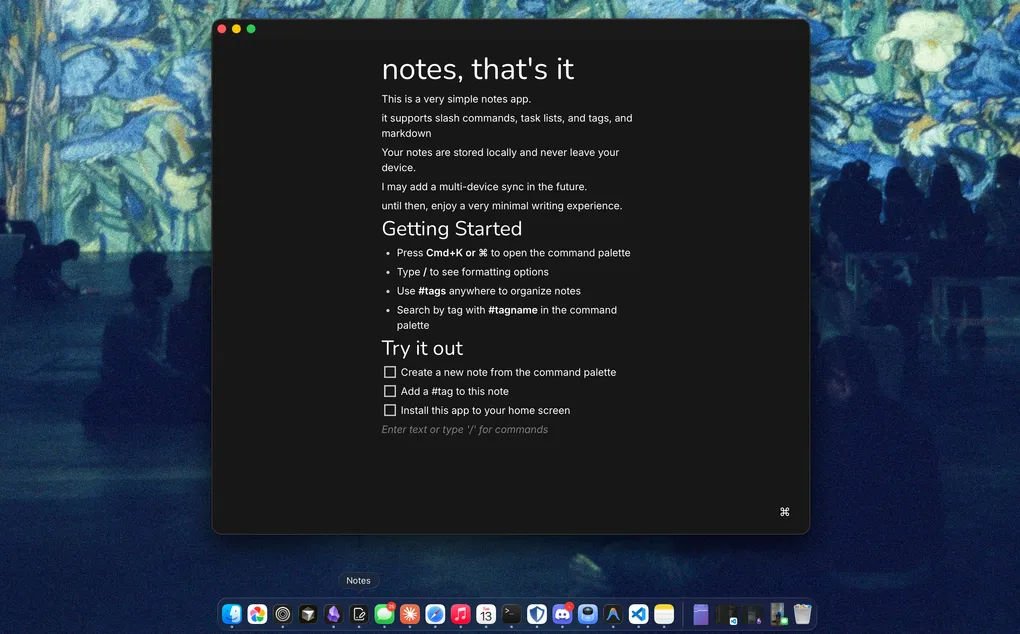
Notes, that's it.
Notes is a note taking app. It supports markdown, slash commands, and even has a command palette you can trigger using cmd+k. It’s also a progressive web app! so you can save it to your home screen or add it to your dock and use it like a native app.
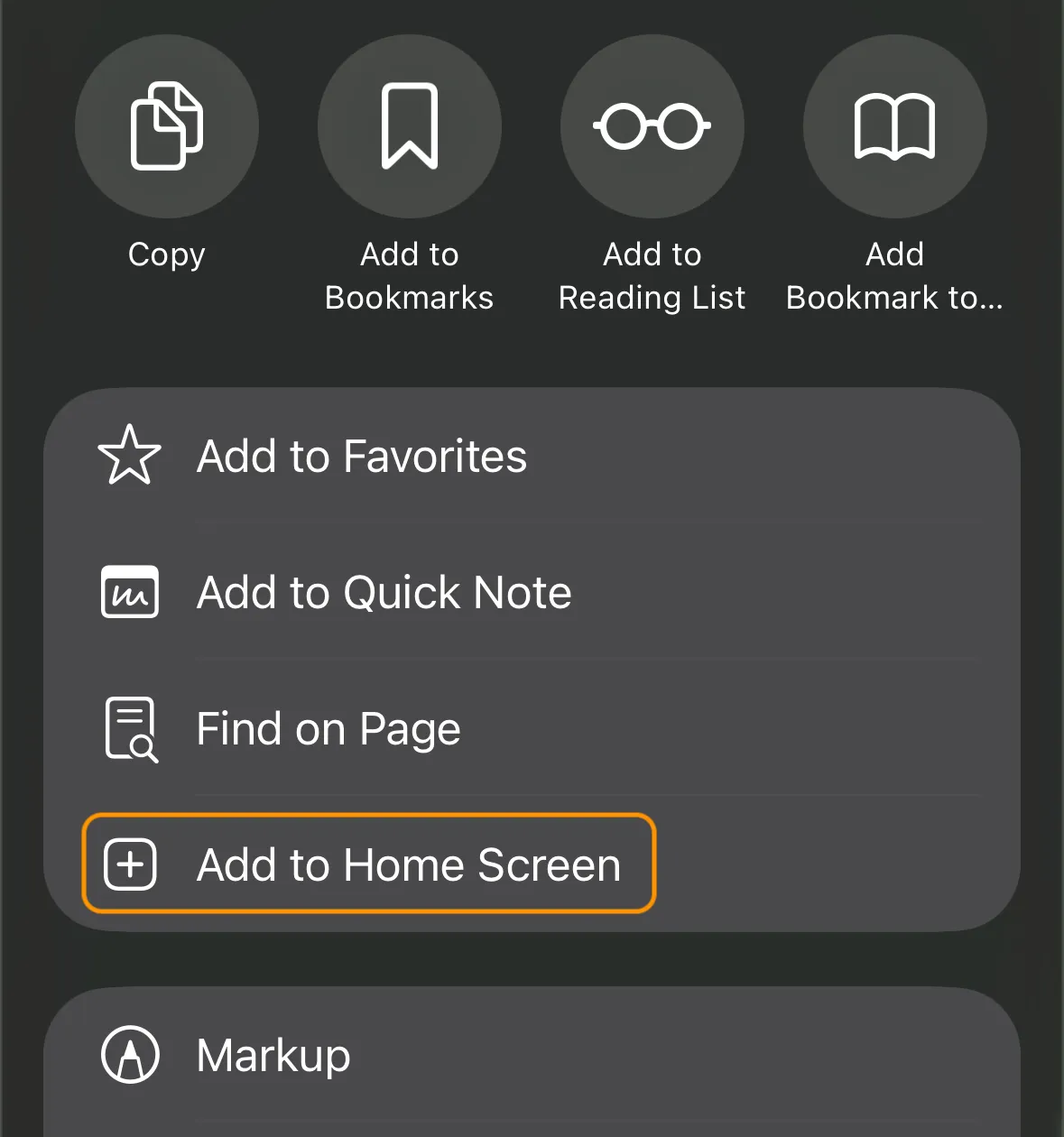
Like my first project of the year, it’s local-first, all of your notes are stored in the browser cache and never leave your device.
Why build a notes app?
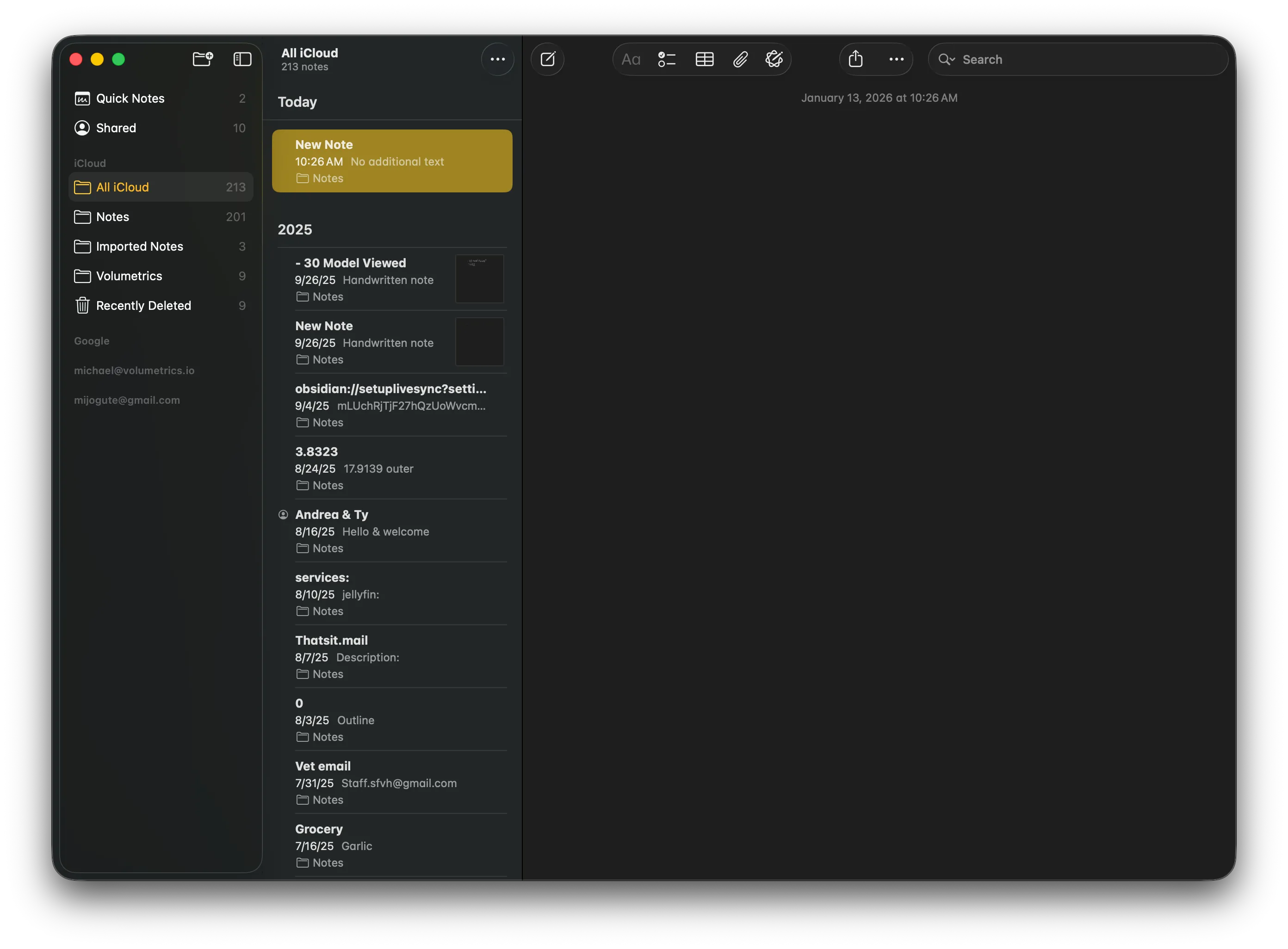
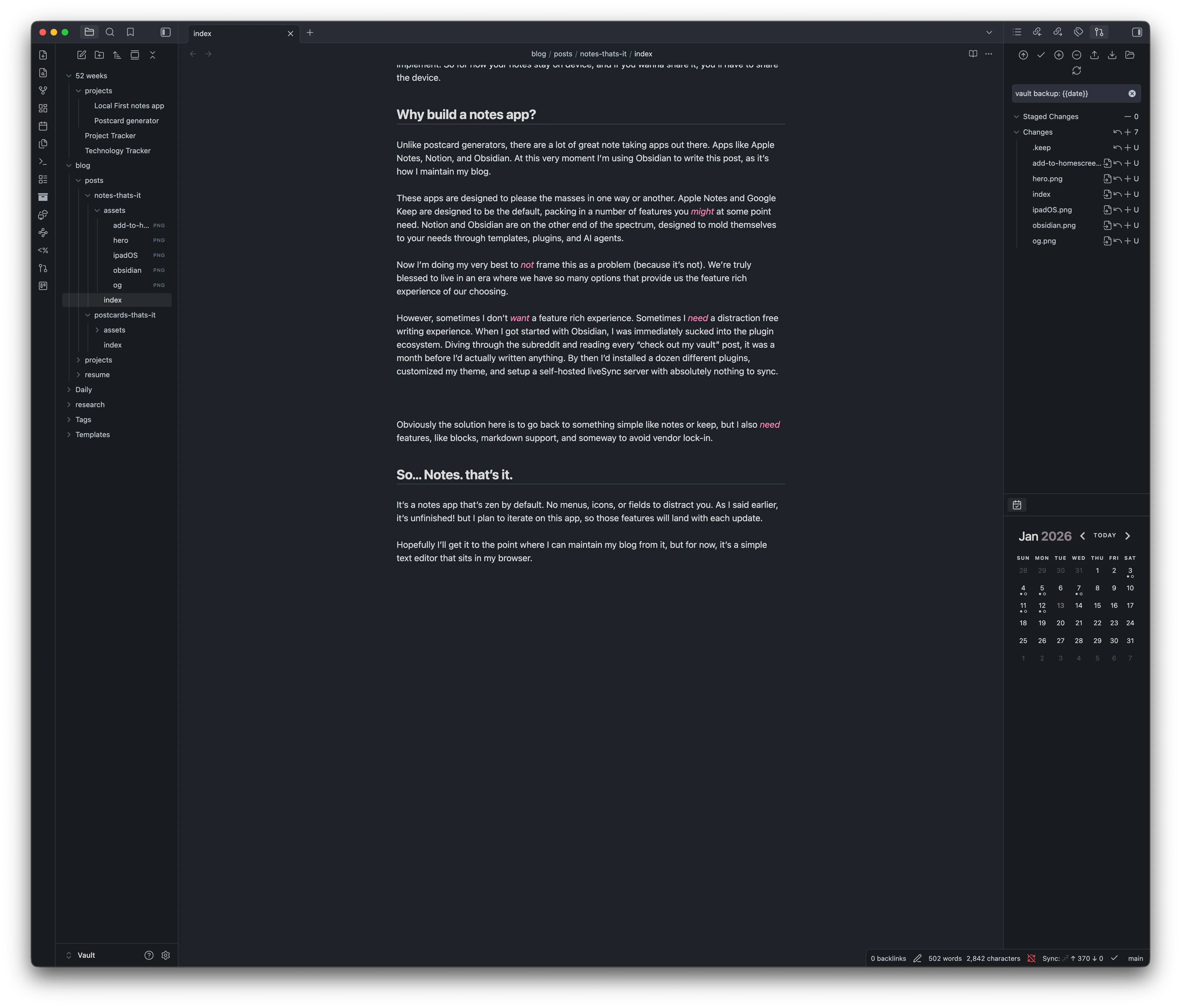
Unlike postcard generators, there are a lot of great note taking apps out there. Apps like Apple Notes, Notion, and Obsidian. At this very moment I’m using Obsidian to write this post, as it’s how I maintain my blog.
These apps are designed to please the masses in one way or another. Apple Notes and Google Keep are designed to be the default, packing in a number of features you might at some point need. Notion and Obsidian are on the other end of the spectrum, designed to mold themselves to your needs through templates, plugins, and AI agents.
Now I’m doing my very best to not frame this as a problem (because it’s not). We’re truly blessed to live in an era where we have so many options that provide us the feature rich experience of our choosing.
However, sometimes I don’t want a feature rich experience. Sometimes I need a distraction free writing experience. When I got started with Obsidian, I was immediately sucked into the plugin ecosystem. Diving through the subreddit and reading every “check out my vault” post, it was a month before I’d actually written anything. By then I’d installed a dozen different plugins, customized my theme, and setup a self-hosted liveSync server with absolutely nothing to sync.
Obviously the solution here is to go back to something simple like notes or keep, but I also need features, like blocks, markdown support, and someway to avoid vendor lock-in.
So… Notes. that’s it.
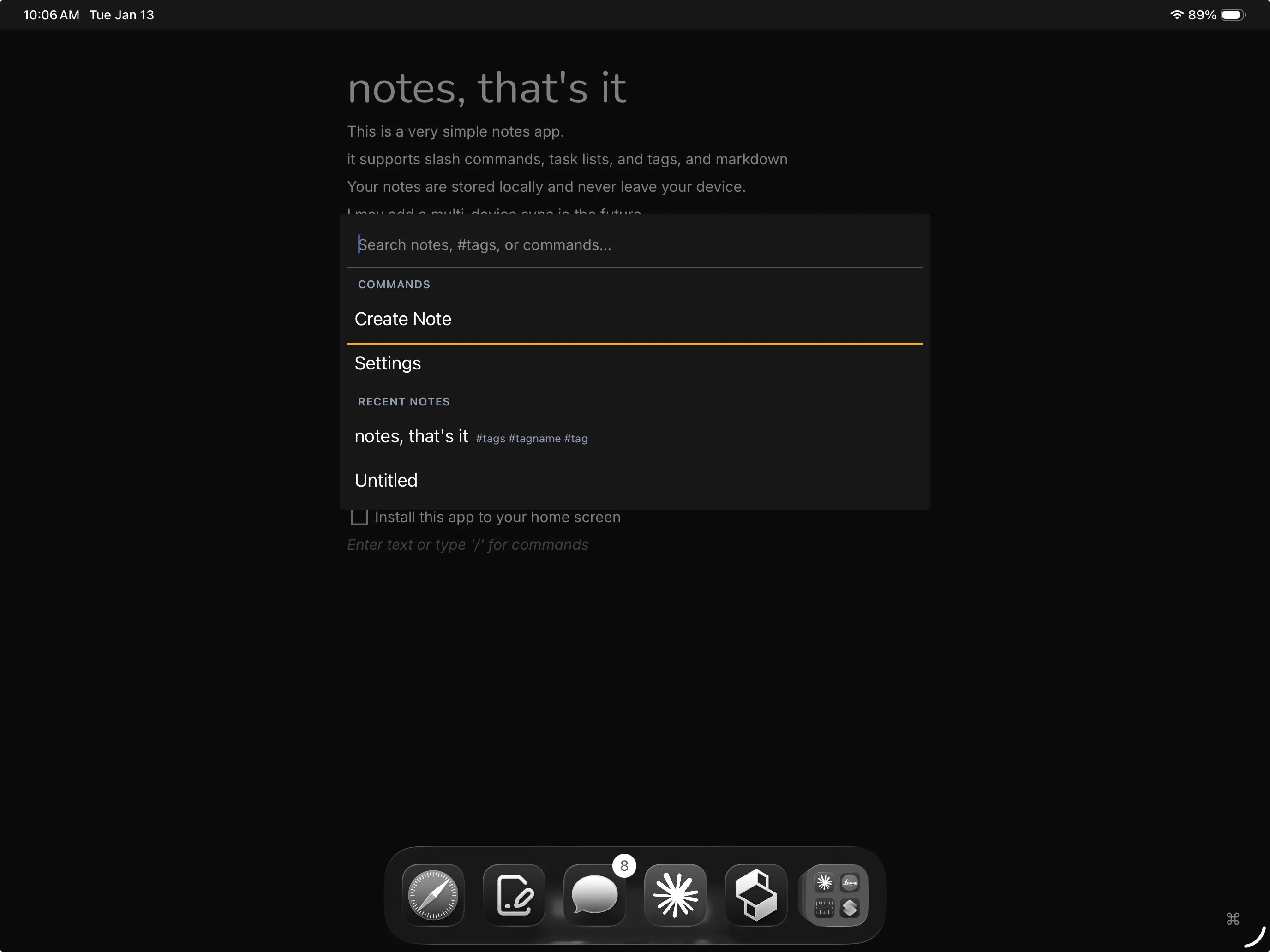
It’s a notes app that’s zen by default. No menus, icons, or fields to distract you. It’s also unfinished! but I plan to iterate on this app, so those features will land with each update.
TODOs
Some key missing features are:
- cloud backup/multi-device sync
- image & video support
- import/export/share
- delete (you can clear your data in settings, but can’t delete individual notes)
I spent some time working on multi-device sync but it’s gonna take a little more time to implement. So for now your notes stay on device, and if you wanna share it, you’ll have to share the device.
I’m gonna keep working on it as it’s related to some other porjects I have planned. So hopefully I’ll get it to the point where I can maintain my blog from it, but for now, it’s a simple text editor that sits in my browser.